
Our house has ducted aircon controlled by an AirTouch 2+ - a wall console that drives the Daikin unit and per-room dampers. The hardware is genuinely good. The software is... not.
The official app works over the local network, but it's clunky, and there's no HomeKit support at all. No Siri, no Home app, no automations. If you want to warm up a bedroom, you're finding your phone, opening their app, and waiting for it to connect.
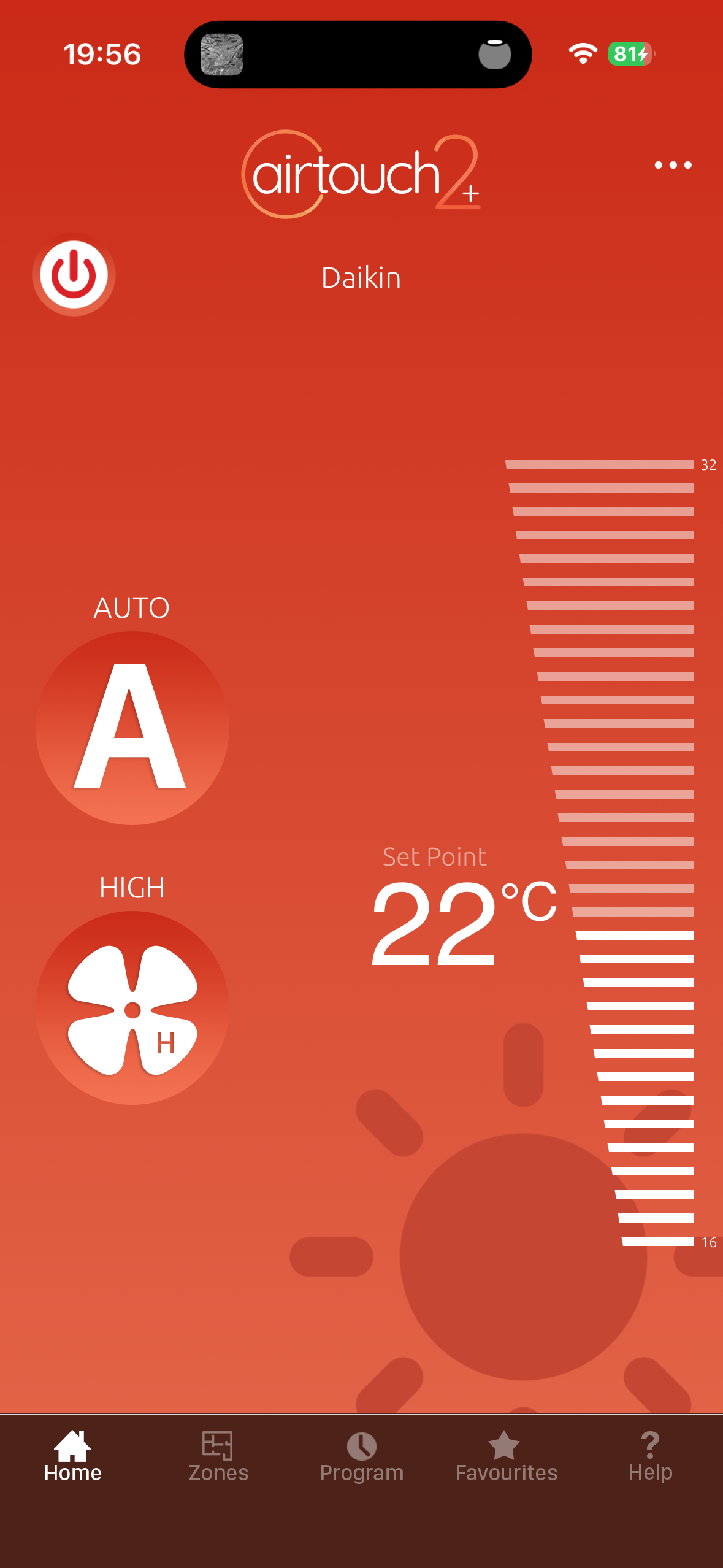
The app talks to the console over the LAN though. So the question was: can we skip the app entirely?
Tapping in
I pointed Claude Code at the problem and it got to work. A port scan found the console listening on TCP 9200, and it turns out the AirTouch 2+ speaks a simple binary protocol - completely unauthenticated, no cloud involved. Anything on your network can control your aircon. Slightly terrifying, very convenient.
Even better, people have been here before: there's a Python library that already speaks the protocol. Within a few minutes of finding the console we had a terminal session reading the room temperature (13°C - Toowoomba winter is real), and a few minutes after that, heat running in the two rooms we cared about. Proof of concept done: the aircon takes orders from anything on the network.
A little menu bar app
A terminal script is fun but not something you use every day. So the next step was a proper native app - a tiny macOS menu bar thing showing the current temperature, with controls for power, mode, fan speed, setpoint, and each zone's on/off and damper position.
There's a Swift package that implements the protocol, so I wired the app up against that. Except the zones came back empty and my commands were silently ignored. The author had built the whole thing faithfully from Polyaire's official protocol PDF... but never had a real unit to test against. And the PDF is wrong: it documents one field order for the repeating data blocks, and real consoles use another. Two fields swapped.
Once we found that - by dumping raw bytes off the actual console and comparing - everything lit up. The menu bar app worked, and more importantly it proved the whole thing was real: we could reliably read and write the aircon's state from code. That fix is now sitting in my fork, tests and all, ready to send upstream so the next person doesn't hit the same wall.
But a Mac menu bar app only helps me, on my Mac. The actual goal was Siri and the Home app for the whole household.
Homebridge made it easy
This is where it got surprisingly smooth. Homebridge is a little bridge that makes non-HomeKit gear show up in Apple's Home app, and someone had already written an AirTouch 2+ plugin for it.
It needed a bit of love - the plugin was written for an older Homebridge and crashed on startup, and out of the box every room shows up as "Zone 0", "Zone 1" and so on rather than by name. So there were a few fixes and tweaks along the way (all in my fork): make it run on current Homebridge, give the rooms real names so Siri understands them, and model each zone as a fan - on/off plus a speed slider for the damper - which feels far more natural than HomeKit's alternatives.
But the core of it? Install Homebridge, paste in the config, scan a QR code with my phone. The aircon and every room appeared in the Home app.
It's all working now
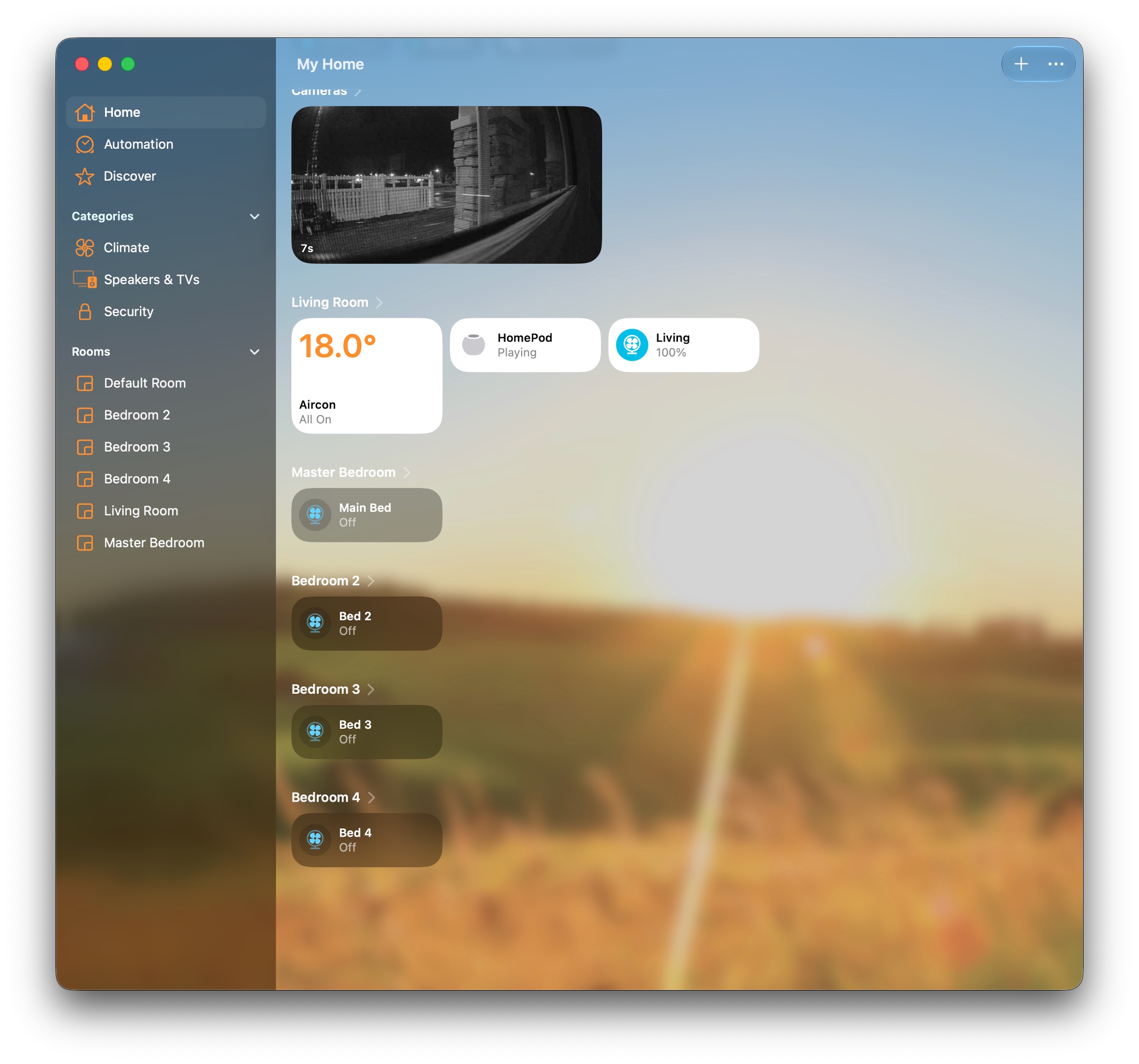
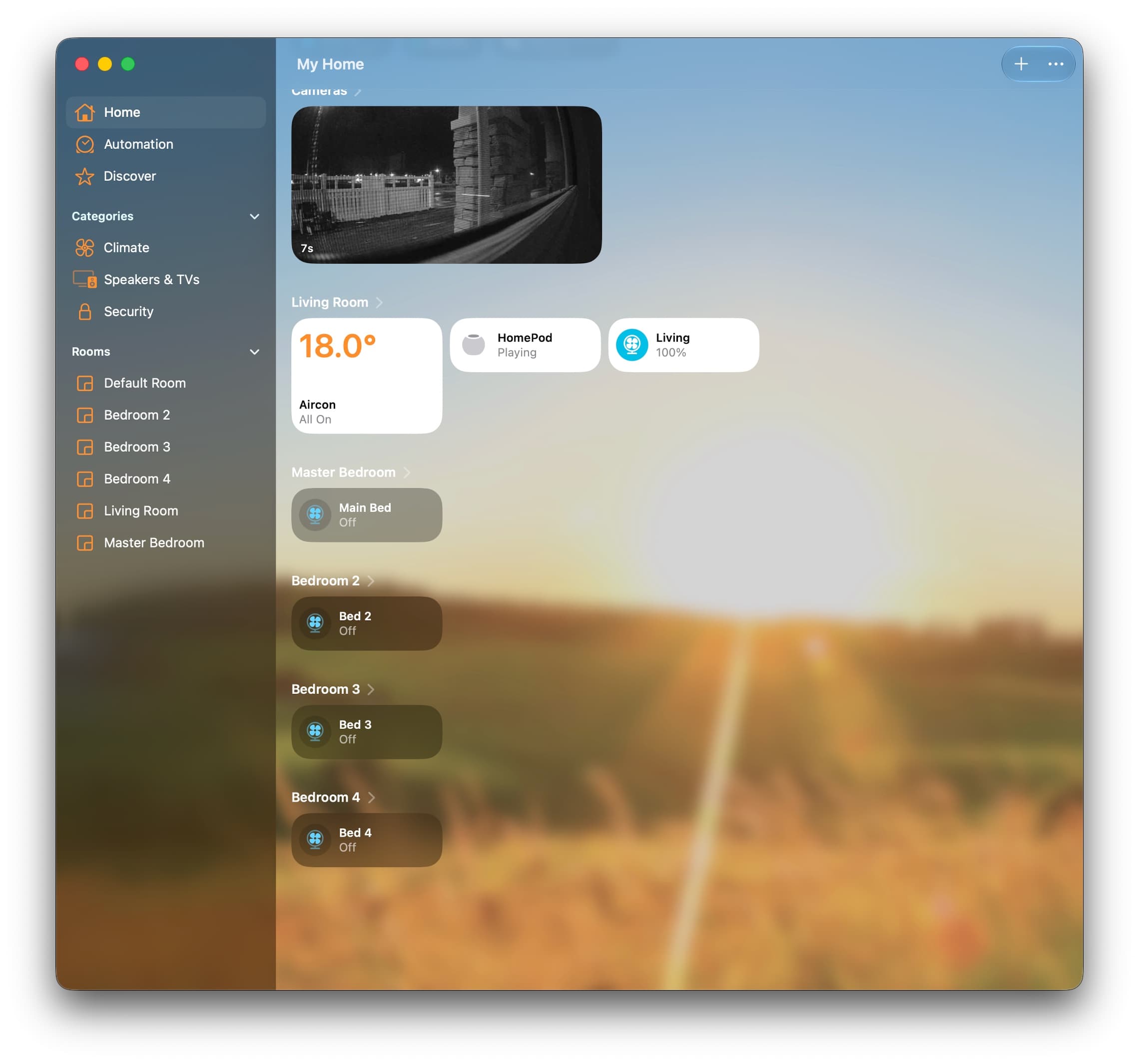
The whole house aircon is now in the Home app. Every room is a tile I can tap. I can set the temperature, change the fan speed, open and close individual zones - all from Control Centre, and all with Siri. "Hey Siri, turn on the heat in Bed 3." Done.
And because it's in HomeKit now, the door is open to real automation: warm the bedrooms before the alarm goes off, shut zones when nobody's home, tie it to a temperature sensor. Stuff the official app could never do.
While I was in there I also dropped our Ring camera into the same Home app via another Homebridge plugin, so that's HomeKit now too. Nice bonus.
Next step: get it off my laptop
There's one catch. All of this - Homebridge, the bridge to HomeKit - is currently running on my laptop. Which means the moment I close the lid or leave the house, the aircon drops out of the Home app.
So the next step is a cheap little always-on box - an N100-class mini PC - that I can park somewhere out of the way, plug into power and the network, and forget about. Homebridge runs on it 24/7, the pairing carries straight over (it's a matter of copying one folder), and the whole thing just... works, permanently, whether my laptop's around or not.
Not bad for an evening's work on a system that shipped with no HomeKit support at all.