GitHub Copilot shows usage only in the UI. No API, no programmatic access, just a bar chart buried in settings. Easy to burn through your monthly quota by day 13 when you can't quickly check where you stand.
I needed a fast, low-friction way to sanity-check my usage without opening browsers or scraping brittle HTML. Here's how I solved it with Raycast Script Commands and a mental model based on calendar progress.
The Problem
GitHub Copilot's limitations:
- Usage data lives only in the UI at
github.com/settings/copilot/features - No public API for remaining credits or usage percentage
- Easy to burn quota early in the month without realizing it
- Checking requires: open browser → navigate to settings → find Copilot → read chart
What I needed:
- Fast feedback (1-2 keystrokes)
- Zero maintenance (no scraping, no auth tokens)
- Mental model: "I'm 42% through the month → usage bar should roughly match"
Solution: Raycast Script Commands
Raycast is a macOS launcher (like Spotlight or Alfred). Script Commands let you run bash scripts with hotkeys.
My approach:
- Calculate % through the current month (calendar days)
- Show a macOS notification with the percentage
- Auto-open the Copilot usage page in the browser
- Quick visual sanity check: "42% through month → usage should be ~40-45%"
Why Raycast instead of a CLI alias?
- Always available (global hotkey)
- Notifications > terminal output
- Easy to trigger once configured correctly
Implementation
The script is available on GitHub: https://github.com/bradystroud/raycast-scripts/blob/main/copilot-month-%25-check.sh
Important Raycast setup details (this is where things can feel broken):
- In Raycast, set your Script Directory in
Raycast Settings -> Extensions -> Script Commands -> Script Directory. - Use Raycast's
Create Script Commandaction. - Open the file Raycast creates and paste in the script content.
- Save and run
Reload Script Directory.
Raycast is supposed to discover scripts from your Script Directory, and Reload Script Directory should refresh them. In practice, manually copying a script file into the folder often does not get picked up reliably. Creating the command via Raycast first, then pasting content into that generated file, consistently works.
UX Flow
- Hit hotkey (I use
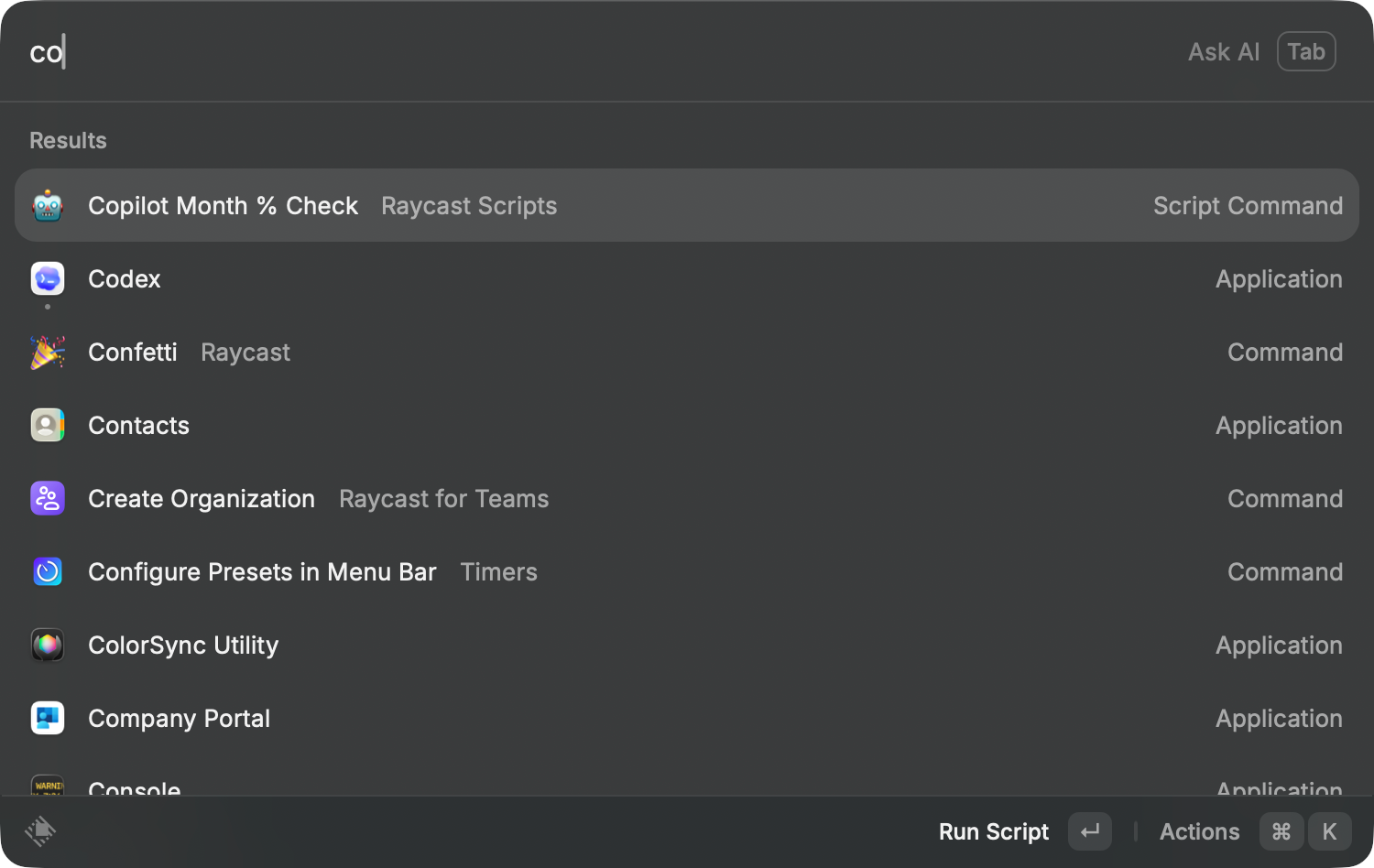
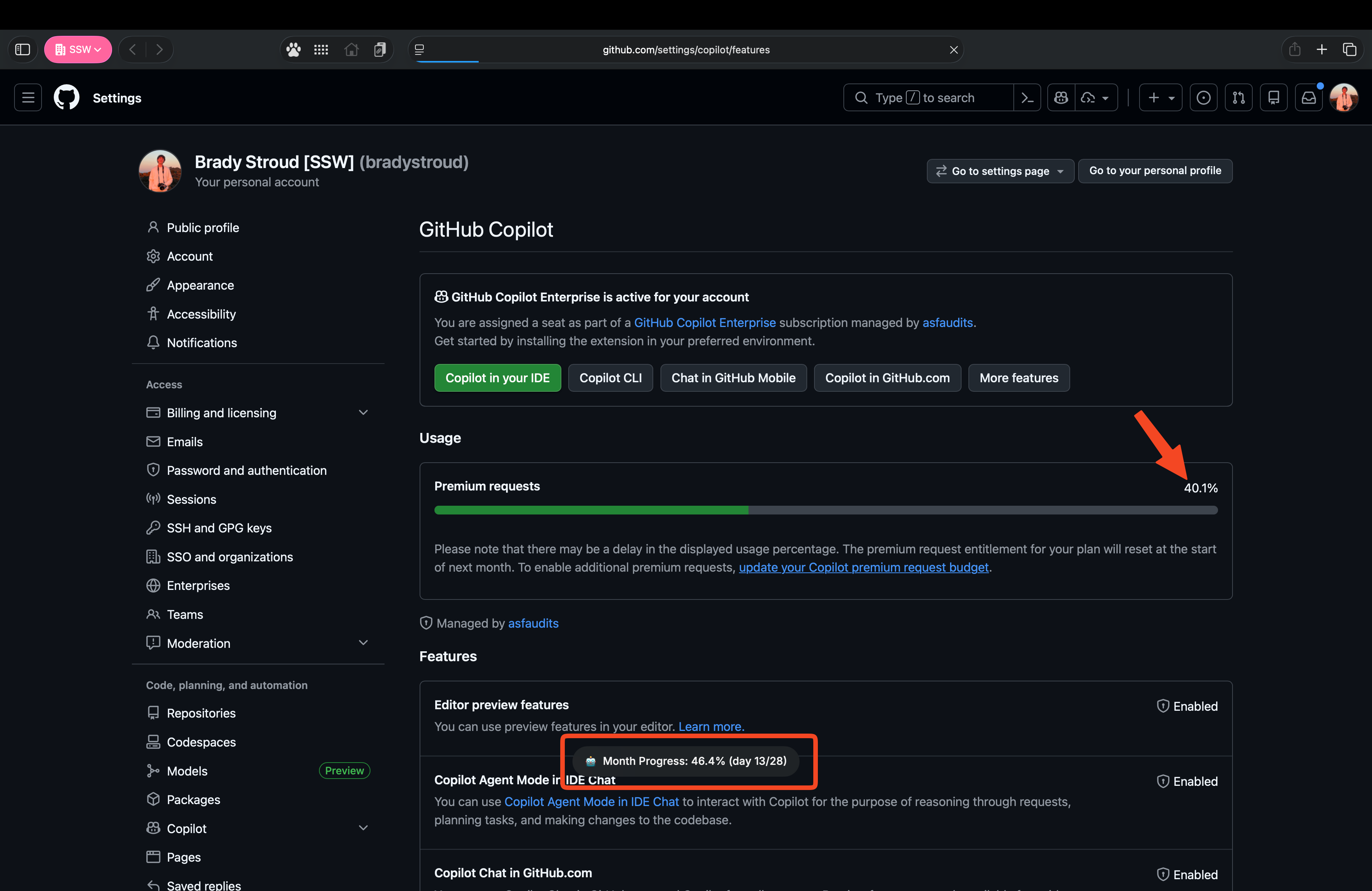
Cmd+Space→ type "copilot") - Notification appears: "Month Progress: 42.0% (day 13/31)"
- Browser opens to
github.com/settings/copilot - Quick sanity check 🤔: Usage bar at ~45%? I need to pace myself...
- Done - Close tab, back to work.